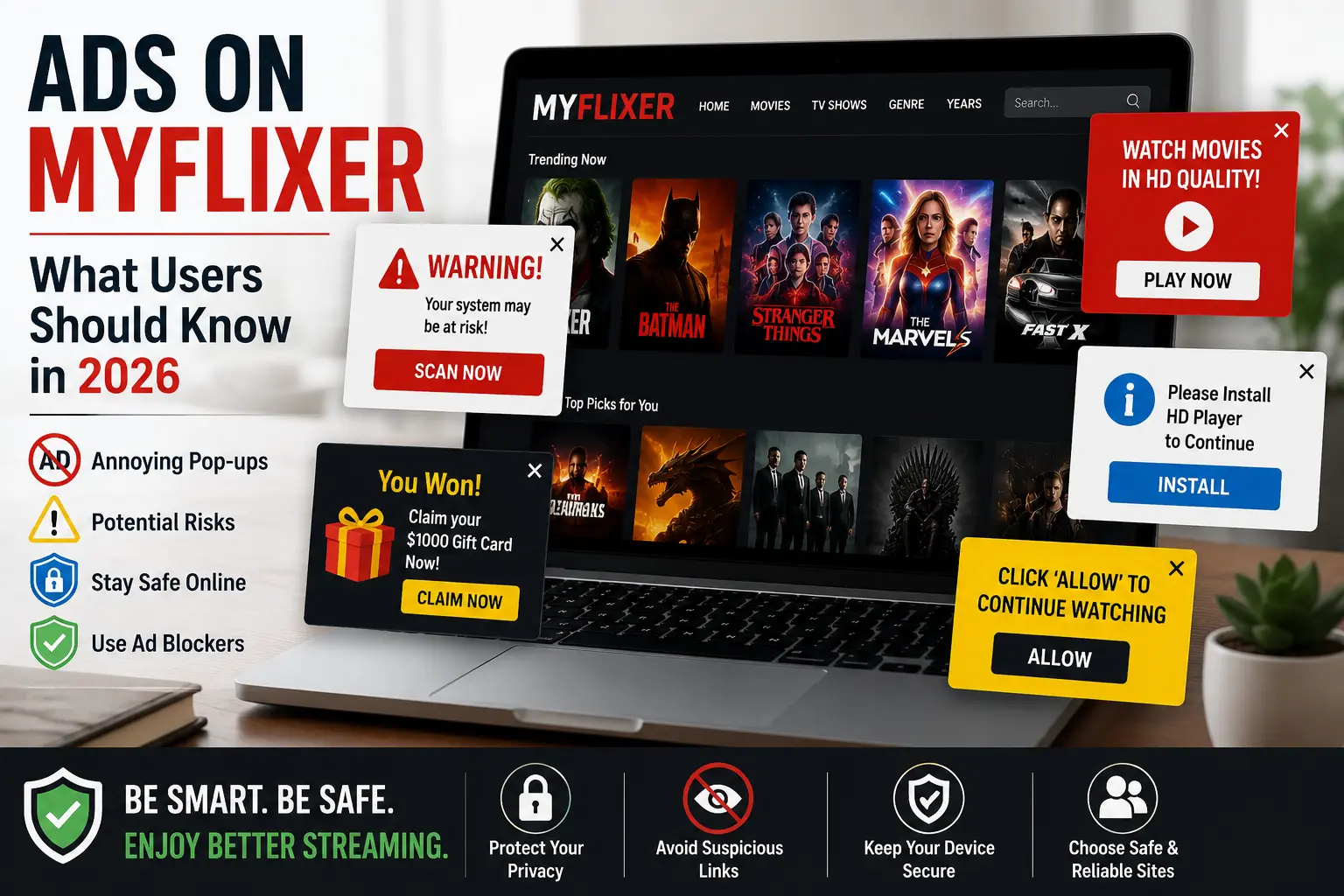
Ads on MyFlixer: What Users Should Know in 2026
Ads on MyFlixer are one of the most noticeable parts of the website experience. Users searching for movies or TV shows may encounter pop-ups, redirects, banners, or other types of advertising while browsing. These ads can sometimes make streaming difficult and may also raise questions about privacy, security, and whether a particular link is trustworthy. Understanding how these ads work can help users make safer and more informed decisions online.
Why Does MyFlixer Show So Many Ads?
Free streaming websites need a way to generate revenue, and advertising is one common method. Instead of charging visitors a monthly subscription fee, a website may use advertisements to generate income from traffic.
This can include different advertising formats, such as display banners, pop-ups, redirects, and promotional messages. The number and type of ads can vary depending on the website, page, device, location, and advertising partners involved.
For users, the main issue is not simply seeing an advertisement. The bigger concern is whether an ad behaves normally or redirects visitors to potentially unsafe pages.
What Types of Ads Can Appear on MyFlixer?
The advertising experience can differ from one visit to another. Some common types include:
Banner Ads
Banner ads are displayed around the main content of a webpage. They are generally easy to identify because they remain visible while you browse.
Pop-Up Ads
A pop-up can appear in a new window or tab after clicking somewhere on a page. These advertisements can be particularly frustrating because they may interrupt the browsing experience.
Redirect Ads
Redirects can send visitors from the page they intended to visit to another website. Sometimes the destination may be a legitimate advertising page, while other redirects may lead to questionable websites.
Fake Play or Download Buttons
Some advertisements are designed to look like normal website controls. A large “Play” or “Download” button may actually be an advertisement rather than the function it appears to represent.
This is why users should pay attention before clicking unfamiliar buttons.
Are MyFlixer Ads Safe?
There is no simple answer that applies to every advertisement. An ad displayed on a webpage does not automatically mean that the advertiser or destination is trustworthy.
Third-party advertising networks can serve different advertisements based on various factors. Because of this, users should be careful when an advertisement asks them to download software, provide sensitive information, install a browser extension, or enter payment details.
A good rule is to avoid clicking anything that looks suspicious or makes unrealistic claims.
For example, be cautious of messages claiming that your device has a virus, that you have won a prize, or that you must install an unknown application to continue watching.
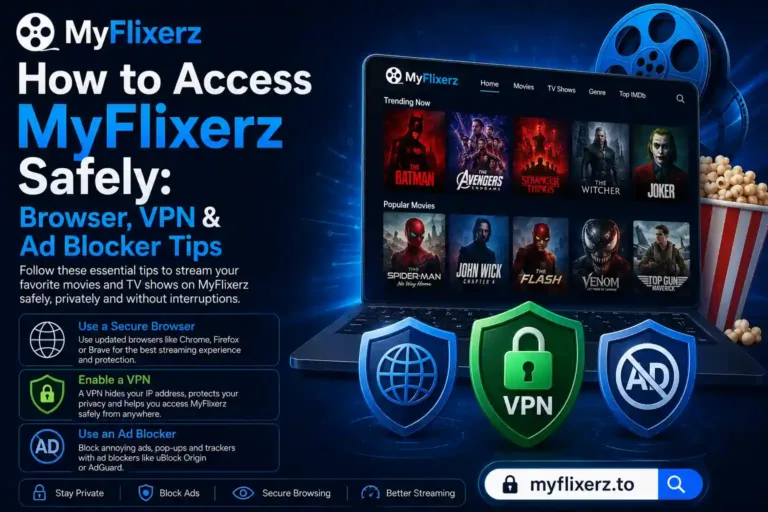
Related Topic: How to Access MyFlixerz Safely: Browser, VPN & Ad Blocker Tips
Can Ads Cause Redirects?
Yes, some advertising systems can cause unexpected redirects. A visitor may click on a page and suddenly find themselves on another website.
Not every redirect is malicious, but unexpected redirects can create a security and privacy concern. Users should avoid interacting with pages that repeatedly redirect them or request unusual permissions.
If a new tab opens unexpectedly, closing it without interacting with the page is usually the safest approach.
How Can You Reduce Problems With Streaming Ads?
Users can take several simple steps to improve their browsing experience.
First, keep your web browser updated. Browser updates often include security improvements that help protect against known threats.
Second, avoid downloading unknown files from advertisements. If a website suddenly tells you that you need a special player, extension, or application, investigate it before installing anything.
Third, don’t enter passwords, banking information, or other sensitive details into pages reached through unexpected advertisements.
You should also make sure your device has reputable security software and that its security features are enabled.
Why Do Free Streaming Sites Rely on Advertising?
Advertising is one of the most common ways websites monetize free content and attract visitors. A service that does not charge a subscription fee still has operating costs, including servers, bandwidth, development, and maintenance.
However, the business model can vary considerably between websites. Some legitimate streaming platforms use advertising while also obtaining the necessary rights to distribute their content. Others may operate differently.
For this reason, users should consider both the advertising experience and the legitimacy of the service.
MyFlixer Ads vs. Ads on Legitimate Streaming Services
Advertising itself is not necessarily a warning sign. Many established streaming platforms offer free, ad-supported viewing.
The difference is often in how the advertising is handled. Reputable services generally have clearer interfaces and more predictable advertising experiences. Users are less likely to encounter misleading download buttons or aggressive redirects. When choosing a streaming platform, it can therefore be useful to consider whether the service is established, transparent, and authorized to provide the content it offers.
What Should You Do If an Ad Looks Suspicious?
If an advertisement looks suspicious, don’t click it.
If you accidentally click one and are redirected, close the new tab or window. Don’t download anything or provide personal information.
If a file was downloaded unexpectedly, don’t open it immediately. Scan it with trusted security software first. If you entered a password on a suspicious website, changing that password from the legitimate service’s official website is also a sensible precaution.
Final Thoughts
Ads on MyFlixer can affect the overall browsing and streaming experience, especially when pop-ups, redirects, or misleading buttons are involved. While advertising is a normal way for many free websites to generate revenue, users should not assume that every advertisement is safe simply because it appears on a familiar page. The safest approach is to avoid suspicious links, never download unknown software, protect personal information, and use reputable streaming services whenever possible. Taking these basic precautions can make online streaming considerably safer and help users avoid unnecessary security and privacy problems in 2026